

Experiment started notifications.Experiment started notifications have been updated, both in terms of design and functionality.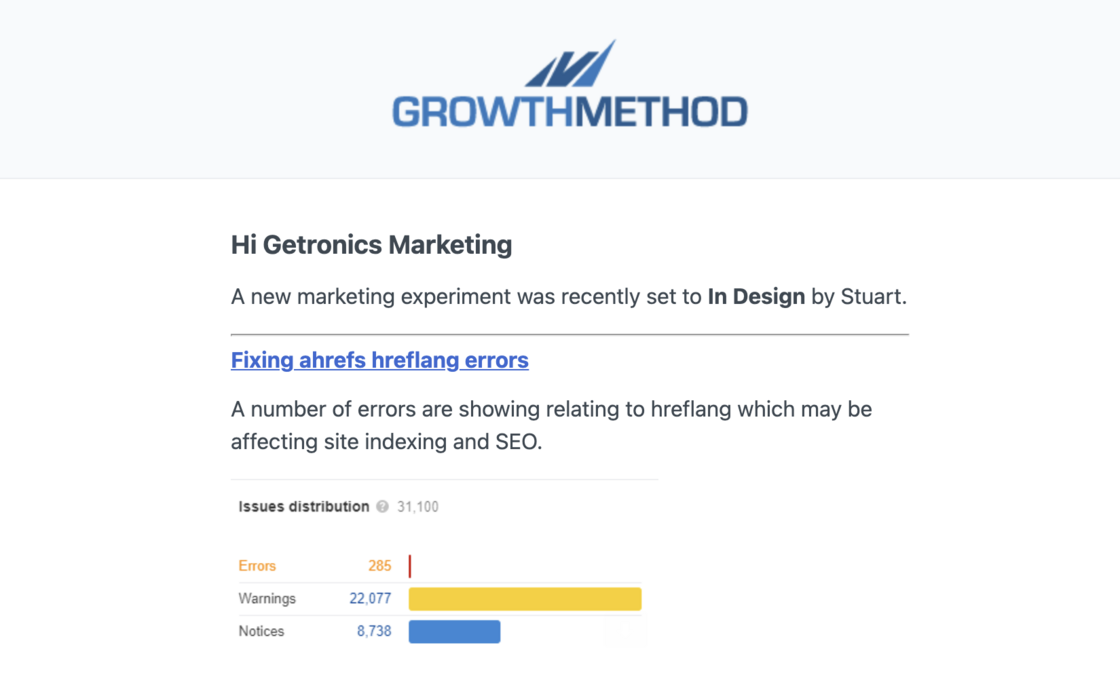
Experiments completed report.Added a new Experiments Completed report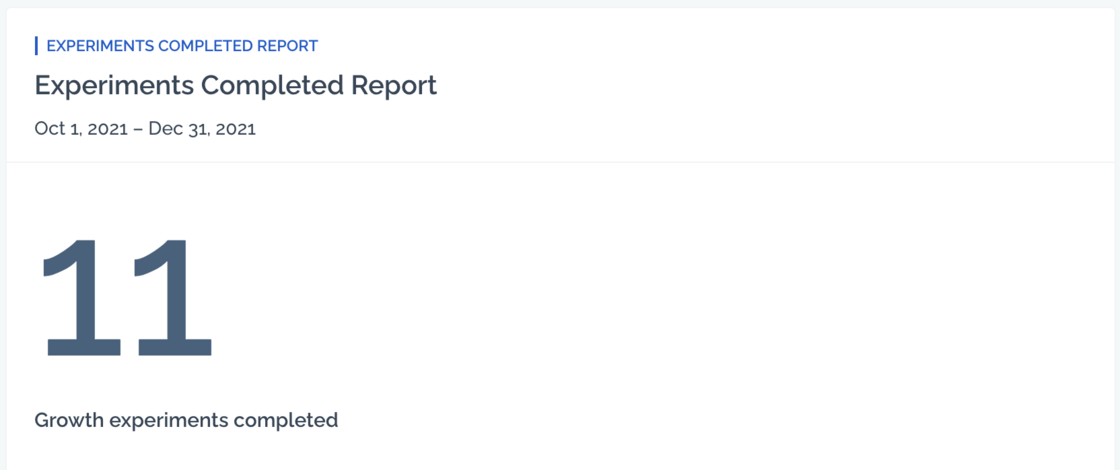
Experiment rating prompts.Improvement
Experiment rating prompts are now unique and tailored to the rating selected - winner, loser or inconclusive.
- Winner Awesome! Build on this further or Update a Playbook, and remember to share the win with stakeholders.
- Loser What did you learn? Can you iterate on the idea?
- Inconclusive What did you learn? Consider re-running the experiment or build on the idea
- Edit
Easily build on your experiment.Improvement
The ability to iterate on previous experiments has been dramatically improved. Selecting ‘build on this further’ enables users to start a related experiment in 2-3 seconds.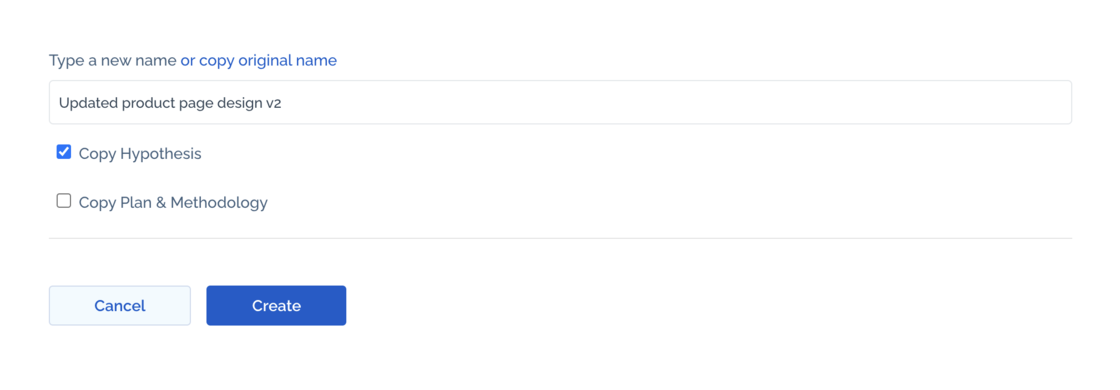
- Edit
Twitter-like liking.New
You can now “Like” ideas in the app. This new functionality extends the previous ability to star an idea.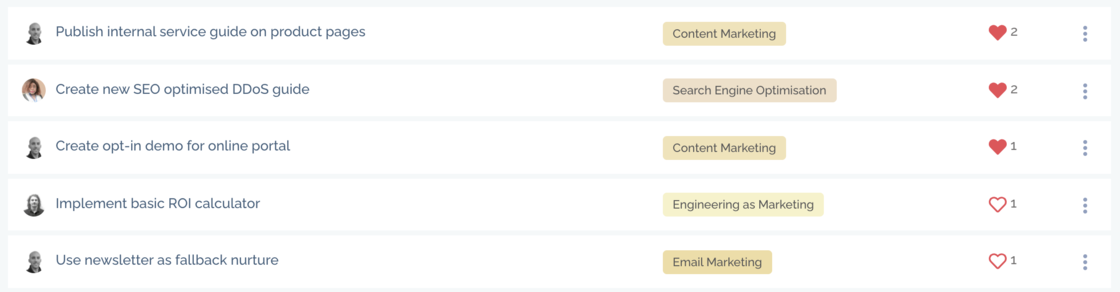
- One or more people can like an idea
- An individual can only like an idea once
- Ideas you have liked show as a filled red heart
- Ideas others have liked show as a red border heart
- In the Liked column, ideas are sorted by most liked first (in your ‘Own’ column, ideas that you have liked display first) For new growth teams, ‘most liked’ can be used as an alternative to more rigorous idea scoring.
- Edit
Title length restrictions.Improvement
In order to prevent text wrapping in the Idea and Experiment screens title lengths are now limited to a maximum of 70 characters.
A small red notification will show as below.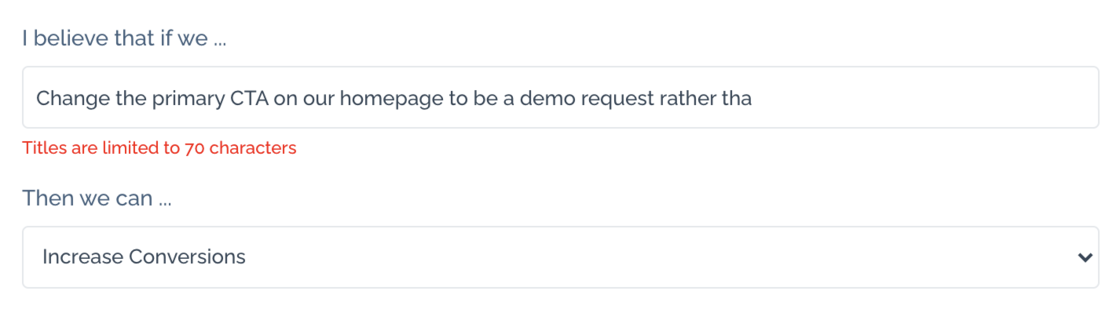
- Edit
Reporting by region.New
You can now add regions to your team for reporting purposes. These tags are completely flexible and designed to accommodate how your team is structured.

- Edit
New timestamps available.Improvement
New timestamps have been added for all stages of an experiment, these are available for all team notifications and future reporting.
Timestamps (date & time) are now recorded for all of the following:
- Created date
- Last updated date
- Experiment started
- Experiment indesign
- Experiment inprogress
- Experiment analysing
- Experiment complete
- Experiment completion target
- Edit
Automated checks for data-driven ideas.New
Growth ideas and hypotheses should always be gathered from, and supported by, qualitative and quantitative data where possible.
A standard hypothesis format is:
“I believe that if we do X then Y will increase or decrease because of Z.” (where Y is the key metric you are aiming to improve).
New idea hypotheses are now scanned for data and a small alert is shown if it appears to not contain any supporting data.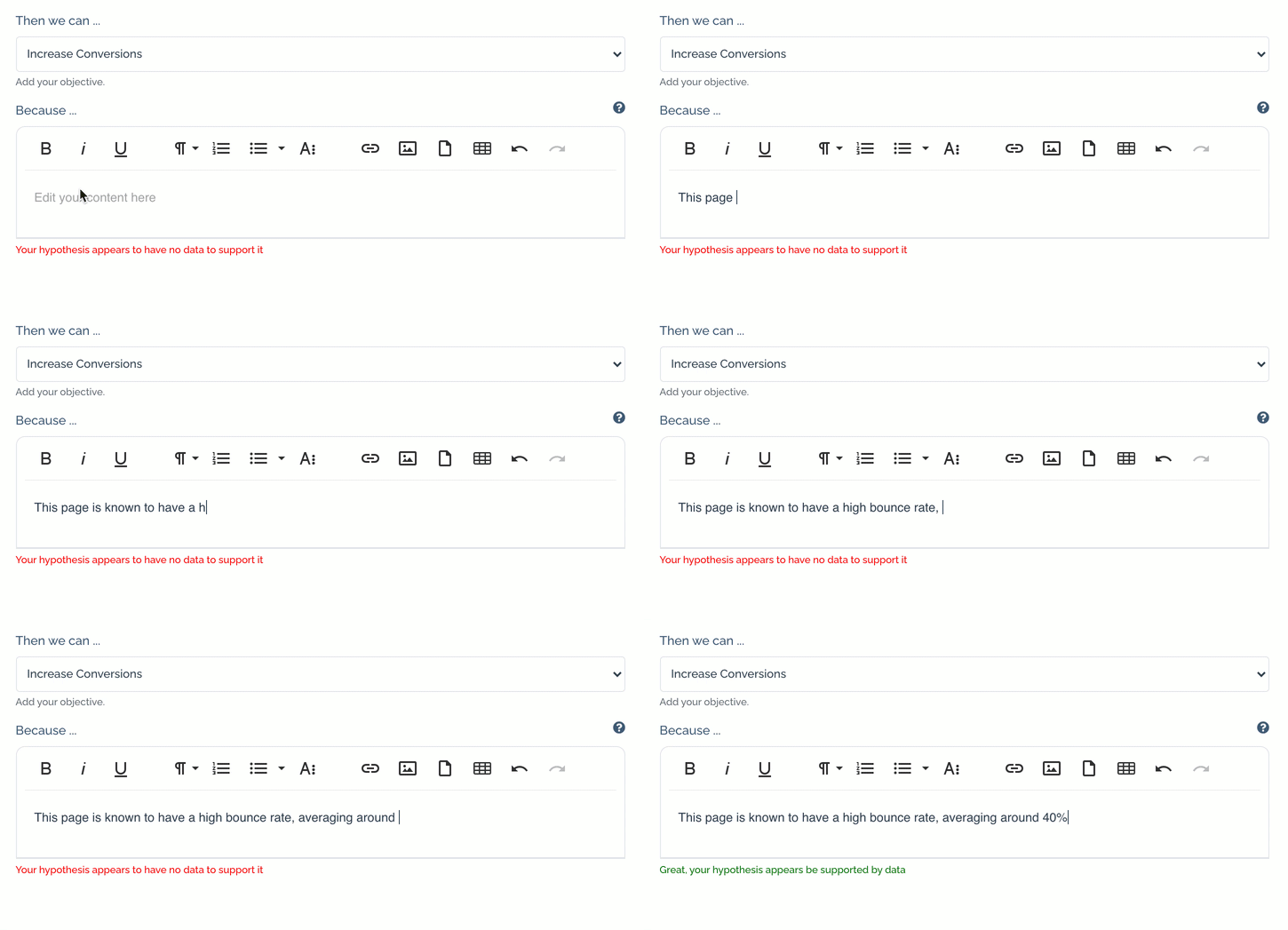
- Edit
Category update.Improvement
The Affiliate Programs channel name has been updated to Affiliates & Partners to better reflect opportunities within this acquisition channel.
- Edit
Due date not populating.Fix
An issue occurred where the due date failed to populate when experiments where started under some conditions. This has now been resolved.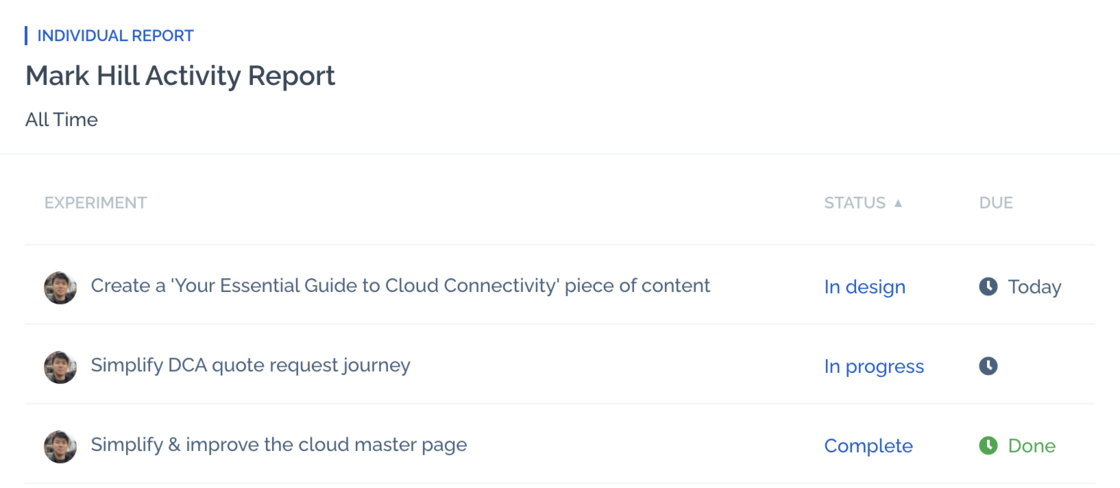
- Edit
New date range options.New
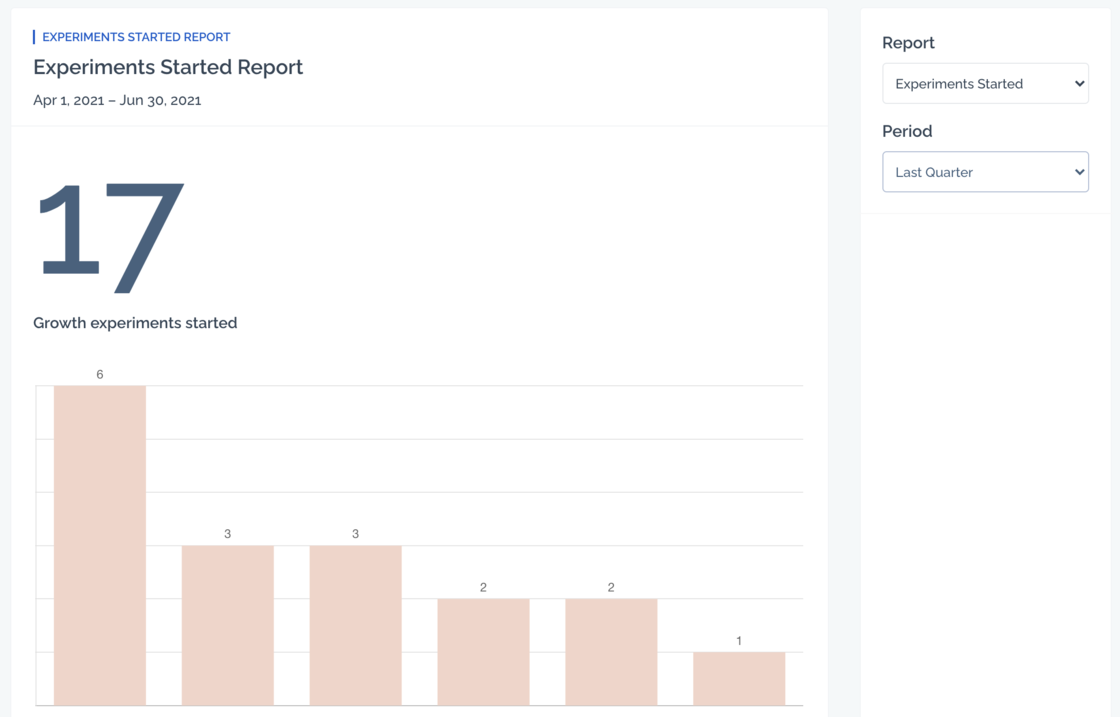
A set of new pre-configured date range options have been added to dashboard widget configuration and to all reports. The available periods are:
- This Month
- This Quarter
- This Year
- Last Month
- Last Quarter
- Last Year
-
All Time
This makes it easy for anyone in your team to view a breakdown of all experiments started across the team during the last quarter, for example.
- Edit
Hyperlink custom list widget items.Improvement
You can now (optionally) provide a link in the JSON for the list widget in order to link directly to third party applications.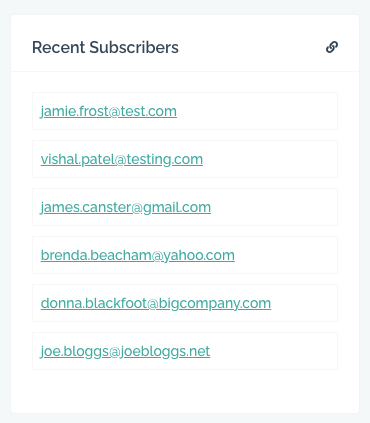
Dashboard Widget List.Improvement
The order of dashboard widgets has been reordered in order to be more user friendly.
- Edit
Results & Conclusion when In Progress.Improvement
We now display the Experiment Results & Conclusion field when an experiment is In Progress.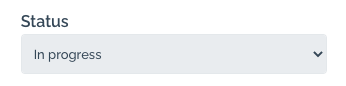
- Edit
New Real-Time Search.New
We have partnered with Algolia (
https://www.algolia.com/),
arguably the worlds’ most powerful realtime search platform, so that you can find any idea, experiment or playbook in seconds.
Start typing and we’ll display all the relevant results from within your account in milliseconds.
- Edit